
Staying safe online
Technology recommendations for primary-aged children
We are often asked for guidance around ‘rules’ for technology at home. The following recommendations are based on the latest research which suggests minimising the use of screens and technology for children where possible.
Technology is an integral part of modern life. Though there are many benefits to the online world, it’s important to protect children from online risks, such as encountering harmful content, unsupervised contact with adults or missing out on physical activity. Online platforms use sophisticated algorithms to strongly encourage engagement and children do not have the capacity to self-regulate.
While the government has recently introduced various codes and legislation to protect young people online, they are not a substitute for parental vigilance. The following information is based primarily on research from the Australian eSafety Commissioner www.esafety.gov.au
Time on screens
The Australian government recommendations suggest that children between the ages of 5 – 17 limit their recreational screen time (including television) to 2 hours or less per day.
Internet connected phones
Most children have access to connected devices like tablets and smartphones from a very young age. Research from 2020 by Australian Centre to Counter Child Exploitation (ACCCE) found 4 out of 5 children aged 4 are using the internet, and 30 percent of these children have access to their own device.
eSafety research in 2024 found 84% of children aged 8 to 12 had used at least one social media or messaging service during the year, despite most platforms having a 13+ age limit.
Of these children, 40 percent had their own account on at least one service.
Dumb phones
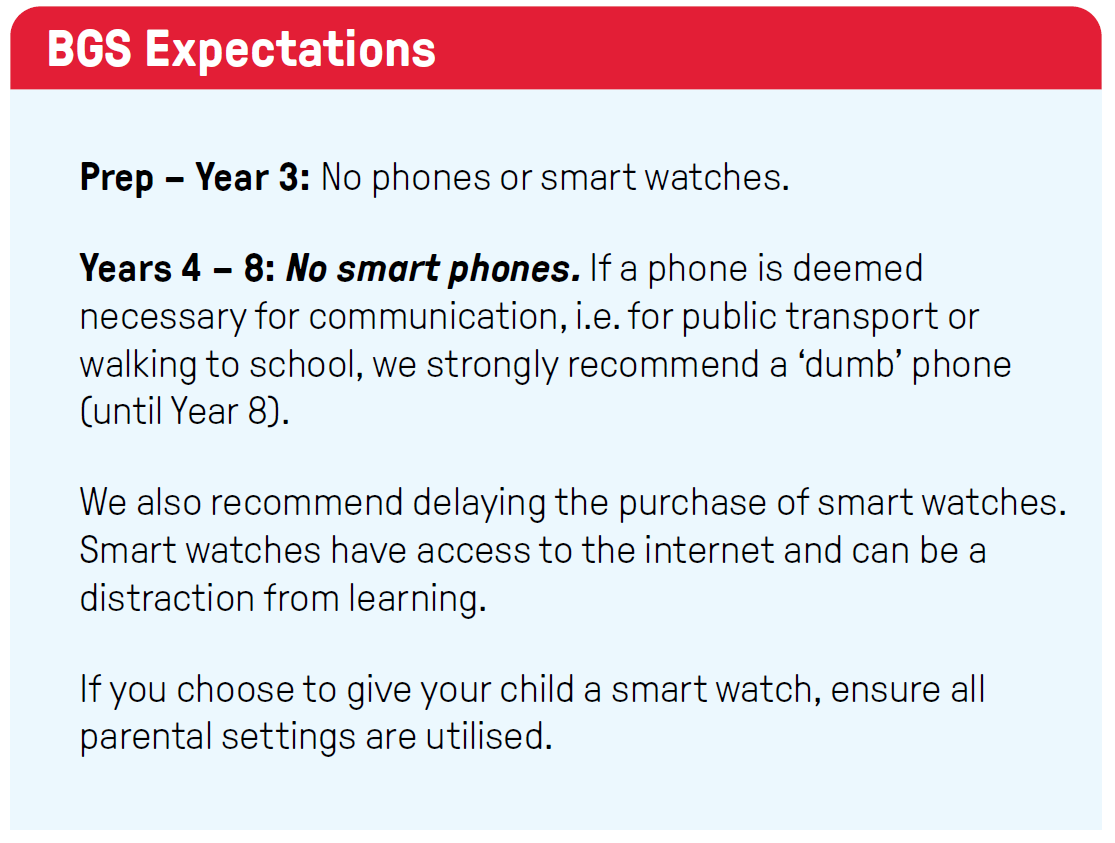
Dumb phones are mobile phones which cannot access the internet, but still allow for mobile communication, e.g. phone calls and texts. They are cheaper than smart phones and many have a basic GPS function for ‘tracking’ as well as MP3 players for music. JB HiFi and other retailers have a broad selection of dumb phones available for purchase outright or on a plan.
Parental controls on internet-enabled devices
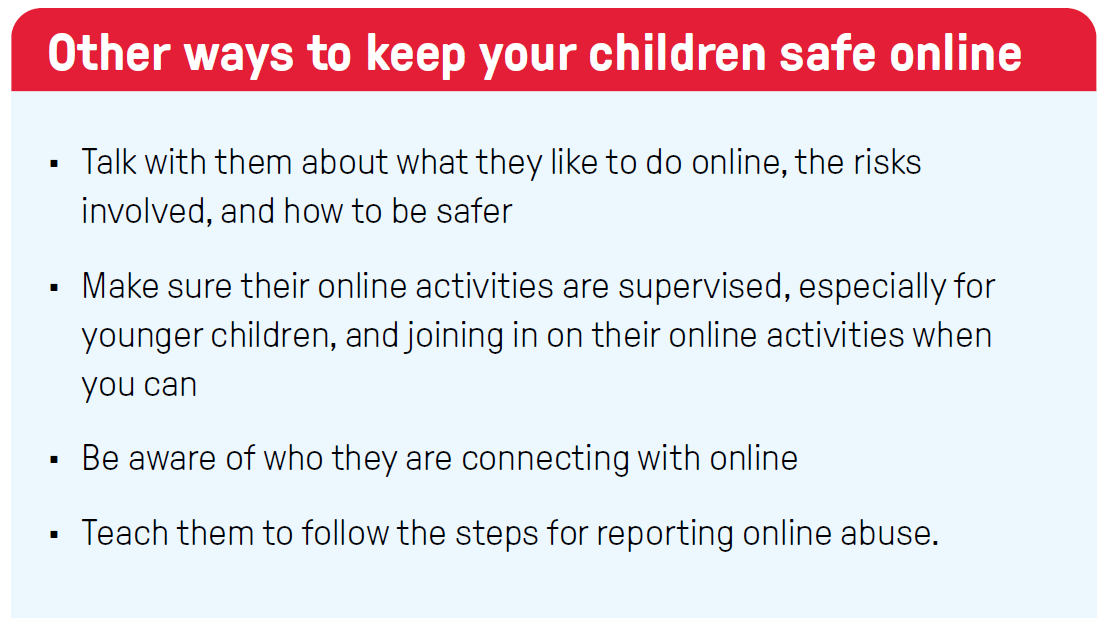
Parental controls can be used to support your family’s online safety when using devices that connect to the internet. While they are protective, it’s important to understand their limitations and use them in combination with other protective strategies.
In short:
• Parental controls can help keep children and young people safer online by preventing access to harmful content, managing time spent online and limiting who they communicate with.
• To be most effective, parental controls need to be set up on all devices your child accesses. They should be reviewed and updated regularly. It’s also important controls are set on devices your child may access while in the care of others (such as other family members and friends).
• Parental controls are most effective when used alongside supervision and other online safety strategies. Visit www.commonsensemedia.org
What are parental controls?
Parental controls are software tools that allow you to monitor and limit what your child sees and does online.
They can be set up to do things like:
• Block your child from accessing specific websites, apps or functions (such as using a device’s camera, or the ability to buy things)
• Filter different kinds of content – such as ‘adult’ or sexual content, social media pages and pages with content that may promote self-harm, eating disorders, violence, drugs, gambling, racism and terrorism
• Limit who can communicate with your child as well as manage the apps they can use to communicate with others
• Allow you to monitor your child’s use of connected devices, with reports on the sites they visit and the apps they use, as well as information on how often and for how long
• Set time limits, blocking access after a specific length of time.
If a device or program is shared by multiple members of your family, you should be able change the settings to reflect each user’s age, maturity and skills.
How to start
• Review our Brighton Grammar Online Safety Hub
• Use the school-provided Qustodio parent controls on your child’s device
• Contact the school if you are having trouble.
Parental controls can be a useful part of your online safety approach. However, it is best they are used as part of a range of methods to keep your child safe. They cannot be relied upon to prevent all online harm. Both abusers and children themselves can find ways around parental controls, so it is good to consider additional ways to keep your child safe online.
Family tech agreements
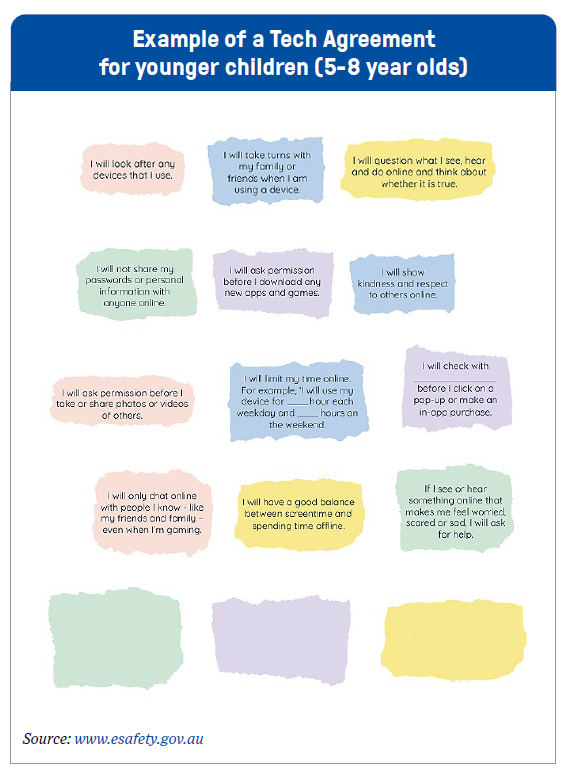
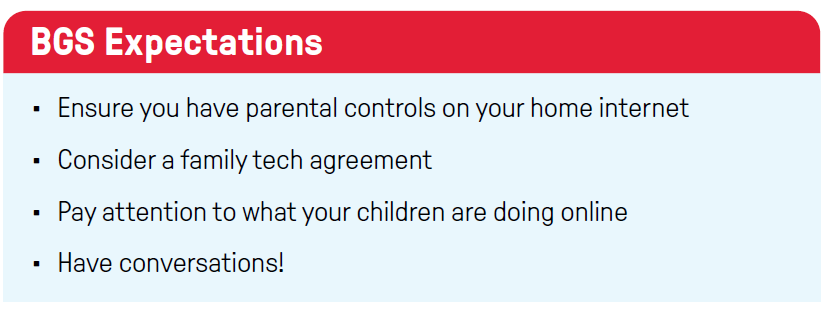
A good place to start is by creating a family tech agreement together. A family tech agreement is essentially a set of rules about how you expect your child to utilise devices (this can include games, smart phones, computer use etc). The agreement should be modified as your child gets older.
Things a tech agreement may cover include:
• How to look after their devices
• Time limits – weekdays and weekends
• Where they can use their device, e.g. phones at the table, internet devices in bedrooms etc
• When they can use their devices e.g. devices before school, devices on school nights, games on weekends etc
• Safety and privacy considerations e.g. sharing passwords and personal information, posting photographs of themselves and others, only chatting to people they know in real life
• Behavioural expectations e.g. being kind, how to respond to online bullying, using appropriate language, checking with an adult before they click on a pop-up or make an in-app purchase etc
• Which games and apps are allowed/not allowed.
Social Media and Gaming Apps
The number of social media and gaming apps available is endless and continually shifting. It is therefore impossible to provide a definitive list of apps that are appropriate or inappropriate for children.
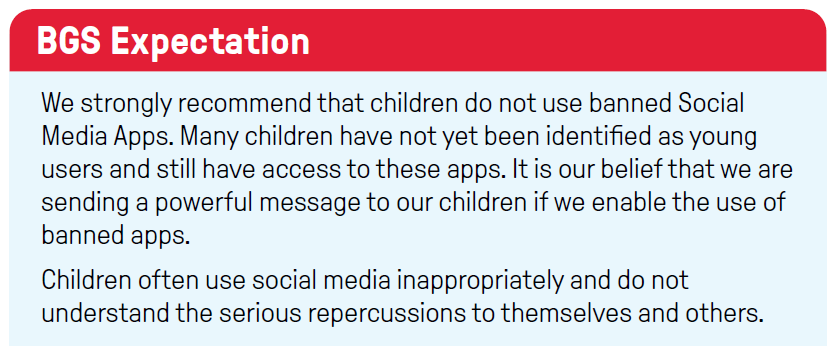
The Federal Government has implemented a ban on social media for children under 16. The apps included in this ban are:
Facebook, Instagram, Kick, Reddit, Snapchat, Threads, TikTok, Twitch, X and YouTube.
It’s important for parents to note that under-16s are still allowed to see publicly available social media content that doesn’t require logging into an account. This means they can still access content which may be inappropriate. None of the parental controls are guaranteed to filter out all inappropriate content, and parent oversight is required for young children regardless of control settings.
Roblox
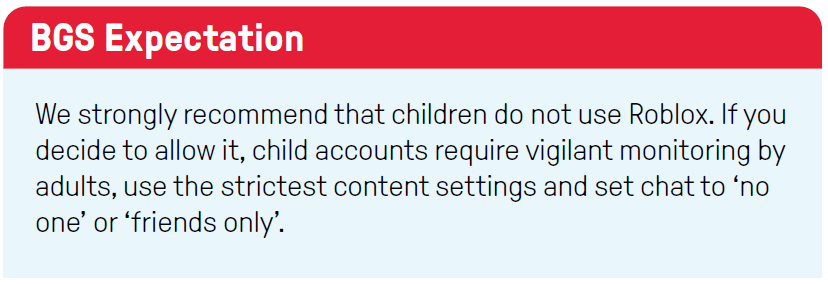
Roblox is not a single game but a marketplace of games. Roblox is like saying yes to social media since there are unlimited possible experiences within it. While there are parental controls, they don’t prevent all possible harms. By linking a parent account, you can have more visibility, but there is still a lot of explicit content that makes it through the filters. Chat cannot be turned off for many games, exposing children to communication from strangers.
Roblox is currently under investigation by the safety commission because of the presence of online predators and grooming.
Resources and bibliography
eSafety has a number of resources to help parents and carers support their kids, including:
Tips on safer gaming, parental controls and cyberbullying:
www.esafety.gov.au/parents/resources
Online Safety Advisories: fast and expert-driven insights into emerging online risks: www.esafety.gov.au/newsroom/blogs
eSafety Guide: Information on how to remain safe on common apps:
www.esafety.gov.au/key-issues/esafety-guide
Common Sense Media: www.commonsensemedia.org
NEED HELP?
Report online abuse or harm: www.esafety.gov.au/report
Resources
Memory and Effective Learning
What is memory and how it affects learning
Crowther Centre
5 minute read
Do you want to be part of our Staff Development Network?
Sign up to receive our newsletter